 Checknaut
Build templates and store layouts
Use the tools your site's builder actually supports.
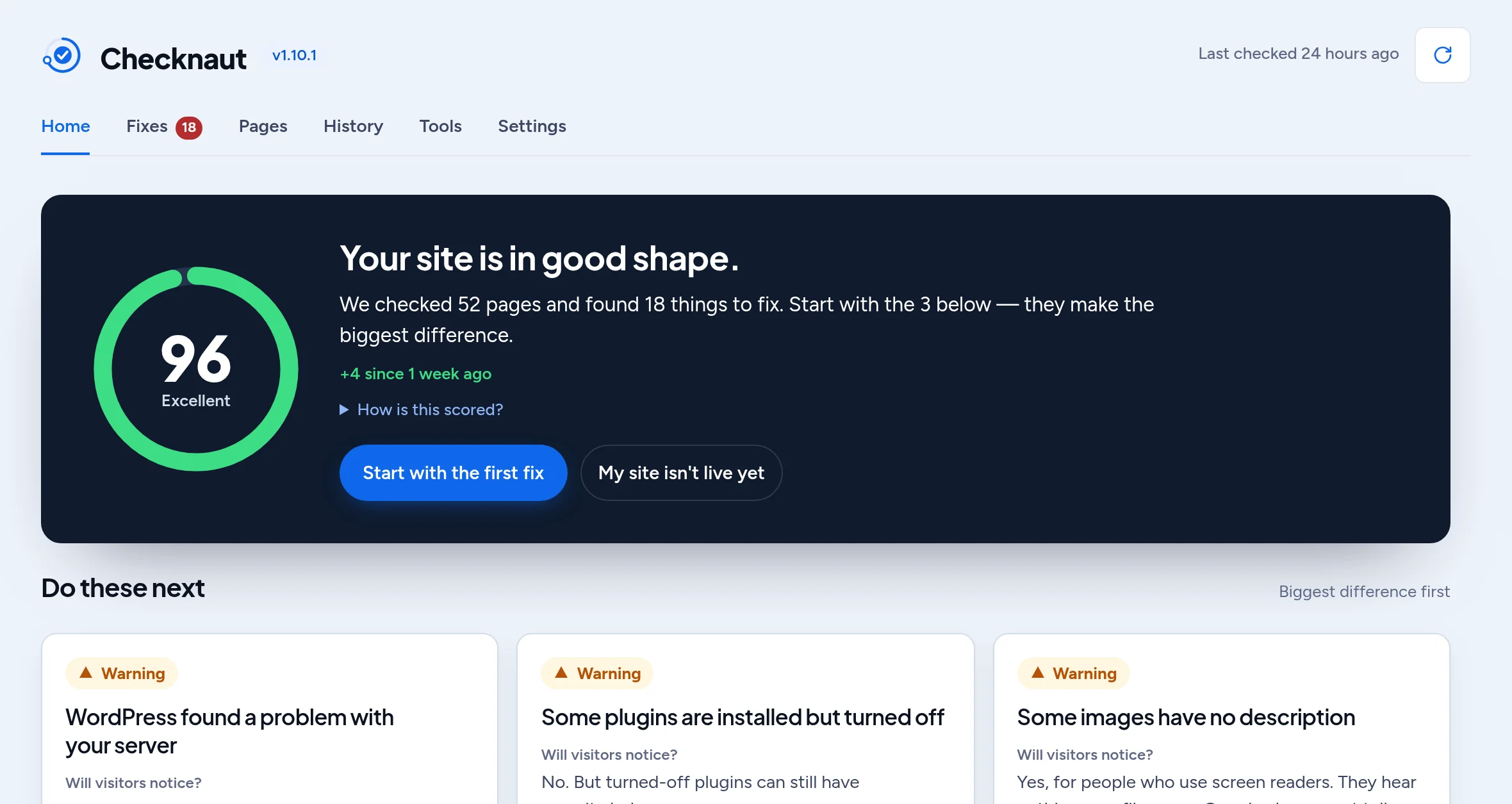
What to expect
- Divi 5 supports its native loops, Theme Builder and supported WooCommerce layouts.
- Elementor Pro template workflows use Elementor's adapter. These capabilities are not identical to Divi's.
- WooCommerce tools require WooCommerce to be active. Test shopping and checkout workflows separately from a page-render check.
Common questions
Which template systems are supported?
Divi 5 native loops, the Divi Theme Builder and supported WooCommerce layouts. Elementor Pro templates work through the Elementor adapter.
Do the WooCommerce tools work without WooCommerce?
No. WooCommerce has to be installed and active before its tools are available.
Does a page check prove my checkout works?
No. A page check confirms the page renders. Test shopping and checkout separately, for example with a test order in your payment provider's test mode.
Are the Divi and Elementor features the same?
No. Each builder has its own adapter, and Elementor capabilities are not identical to Divi's. Every read reports which builder owns the page.
Can it build Theme Builder headers and footers?
Yes, on Divi 5. With Checknaut Pro, your assistant can create Theme Builder templates such as headers, footers and post templates, and assign where they apply. Review each template on a few different page types before you rely on it.
Does it work with the Divi Loop Builder?
Yes. Divi 5 loops can list posts, products or other content, and the assistant can set the query and bind dynamic fields such as titles and prices. Check the loop on the live page, because what it shows depends on your content.
Start with your own site
Install the free plugin, run an audit and review the results. Page building, bulk workflows, schedules and branded reports need Checknaut Pro. Pro covers one site; Agency covers up to 10 sites. Both include the Builder Pack and Privacy Pack.