 Checknaut
Features
Everything Checknaut checks, and how it fixes it.
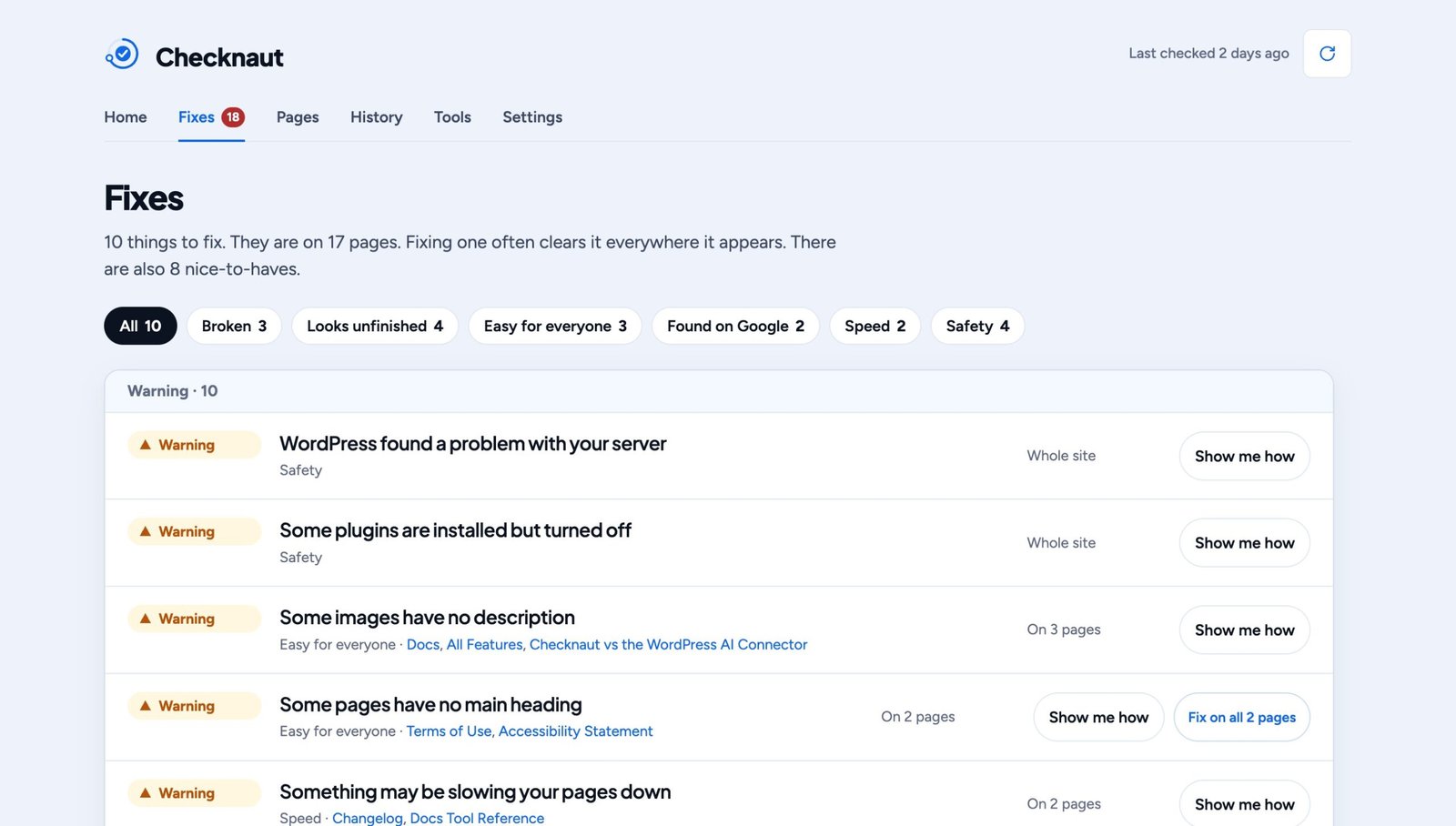
Checknaut looks at every page of your site and sorts what it finds into six groups. Each problem comes with plain steps, and most come with a fix. Every change can be undone.
What it checks
Six groups. Plain words.
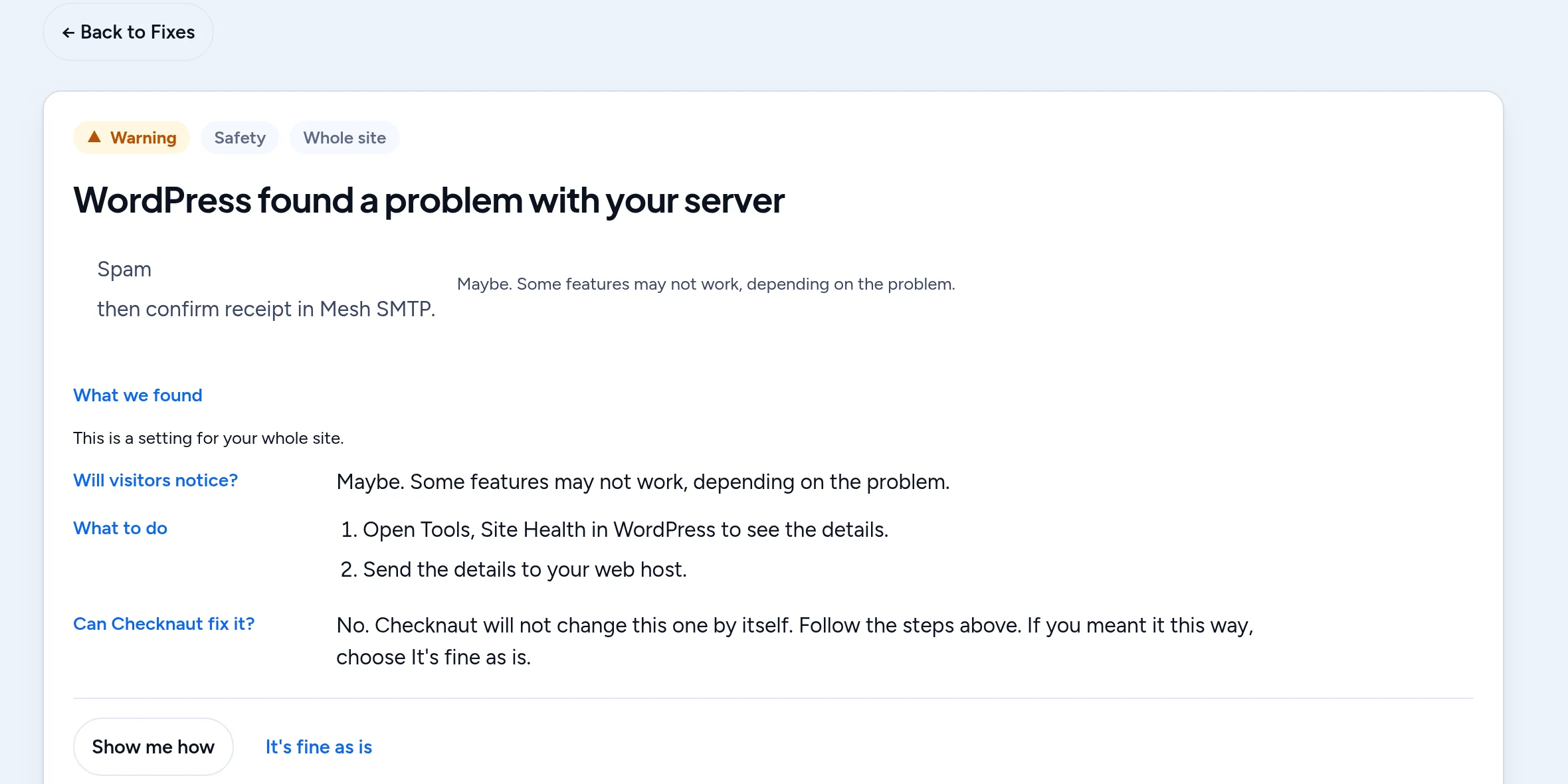
Every check is free. Each problem tells you what a visitor would notice, what to do, and whether Checknaut can do it for you.
Broken
Things that stop a visitor in their tracks.
What it looks for:
- Links that go to a page that is gone
- Pages that show an error instead of your content
- Code showing as text, often left behind by a removed plugin
- Images that don't load
- A contact form whose email may never arrive
You still check: Send your contact form to yourself and check that the email lands.
Looks unfinished
Things left over from building the site that make it look half done.
What it looks for:
- Sample text and placeholder images
- Empty spots left by your page builder
- “Coming soon” mode left switched on
- A copyright year that is out of date (Launch Check, Pro)
You still check: Read your pages once more before you share them.
Easy for everyone
Text people can read, and pages more people can use.
What it looks for:
- Text that is too faint to read
- Images with no description for people who can't see them
- Headings that skip around
- Links and buttons with no name
- Pages that block zooming on a phone
You still check: Tap through your menus on a real phone. Results help you improve. They are not a legal certificate.
Found on Google
The basics that help Google find and understand each page.
What it looks for:
- Pages with no title or description
- Pages hidden from Google by mistake
- A site that tells search engines to stay away
- Pages with very little text
You still check: Watch Google Search Console. No tool can promise rankings.
Speed
The things that make pages slow to load.
What it looks for:
- Heavy image files
- Images much bigger than the space they fill
- Pages that weigh too much
You still check: Your hosting and caching also affect speed. Checknaut does not test your server.
Safety
Updates, backups and logins.
What it looks for:
- Plugins and themes that need updates, or are no longer updated
- An old version of PHP
- No backups set up
- No limit on wrong password attempts
- An old login door (XML-RPC) left open
- A security certificate or domain about to expire
- A missing privacy policy or terms page
You still check: Use a malware scanner and keep real backups. Checknaut checks settings. It does not scan for malware.
Undo history
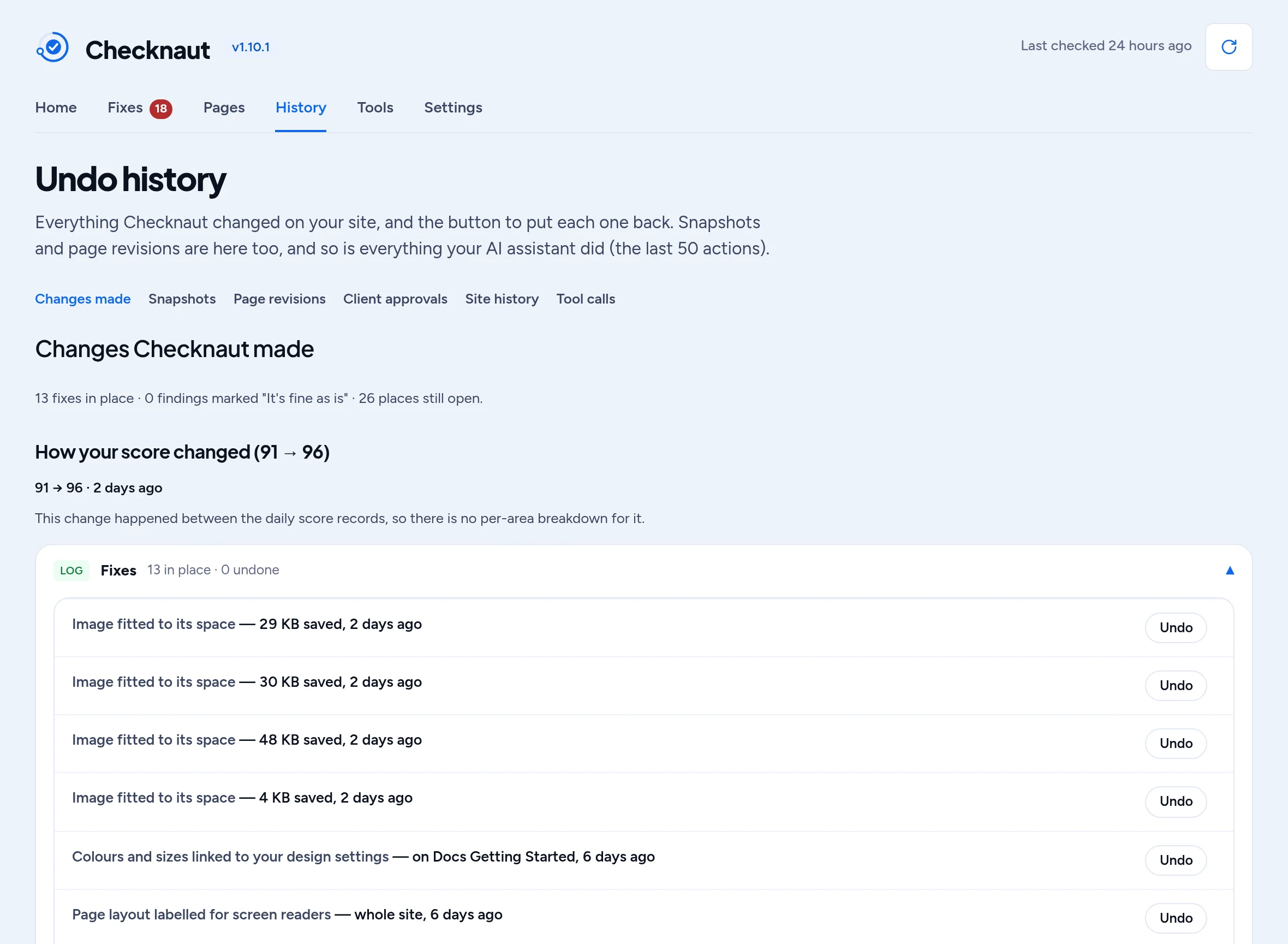
Every change can be undone.
Before Checknaut changes anything, it saves a copy. Every fix goes into your Undo history, with the date and the page it touched.
Don't like a change? Click Undo next to it. That page goes back to how it was. You can try a fix without worrying about it.
Undo history is part of the free plugin. We still suggest you keep your own backups.
Launch checklist
My site isn't live yet.
Building a new site? Turn on the launch checklist. It looks for the things people forget before launch day:
- Sample text and placeholder images
- “Coming soon” mode
- Search engines still blocked
- Empty spots left by your page builder
The checklist is free. With Pro, Checknaut switches off the not-live-yet settings in one step, with Undo.
Checknaut Pro
Pro does the fixing for you.
Free finds it. Pro fixes it all. Every Pro change is saved in your Undo history too.
Fix everything at once
When the same problem shows up on many pages, fix it everywhere with one click instead of page by page.
A weekly checkup
Checknaut checks your site on a schedule, on its own. The results wait for you in your dashboard.
Speed tools
Shrink every image at once and fit each one to the space it fills. Turn off files a page does not need.
Safe, tested updates
Updates run one at a time. Checknaut looks at your key pages before and after. If a page breaks, it puts the old version back. This works for plugins and themes from WordPress.org.
A site report
Download a report of your site's health and what was fixed. Hand it to a client, a boss or a partner.
Connect your AI assistant
Optional. Ask your assistant to check or fix your site in plain words. Works with Claude, ChatGPT and other assistants that can connect to tools. You never need AI to use Checknaut.
Included in Pro
Two packs, included with every Pro plan.

Builder Pack
Included in Pro. For sites built with Divi or Elementor. See what it does
- Rescue: move an older Divi site to Divi 5
- Design system tools for your colors, fonts and styles
- Import an HTML design as a page
- Clean up styles that are repeated on many pages

Privacy Pack
Included in Pro. For sites that collect visitors' data. See what it does
- A cookie consent banner
- Rules for 34 regions, kept up to date
- A log of the choices visitors make
- First drafts of your legal pages, for you to review
The Privacy Pack helps you set up consent. It is not legal advice.
Both packs are part of Checknaut Pro and come with every paid plan. They are not sold or installed separately.
For freelancers and agencies.
Agency, $999 a year or $99 a month.
- Everything in Pro, on up to 10 sites
- Builder Pack and Privacy Pack on every site
- Fleet hub: all your client sites in one view
- About $100 a site a year