 Checknaut
Fix supported findings
Apply a practical fix, inspect the result, and undo it when needed.
What to expect
- The free plugin includes supported one-page fixes, such as available heading, link, metadata and image repairs.
- Some findings need judgment or manual work. A Fix button is not available for every issue.
- Checknaut Pro adds bulk workflows. Preview the proposed changes and retain independent backups.
Common questions
Which findings can I fix with one click?
Supported one-page fixes, such as heading order, link text, metadata and image alt text. Findings that need judgment show guidance instead of a Fix button.
Can I undo a fix?
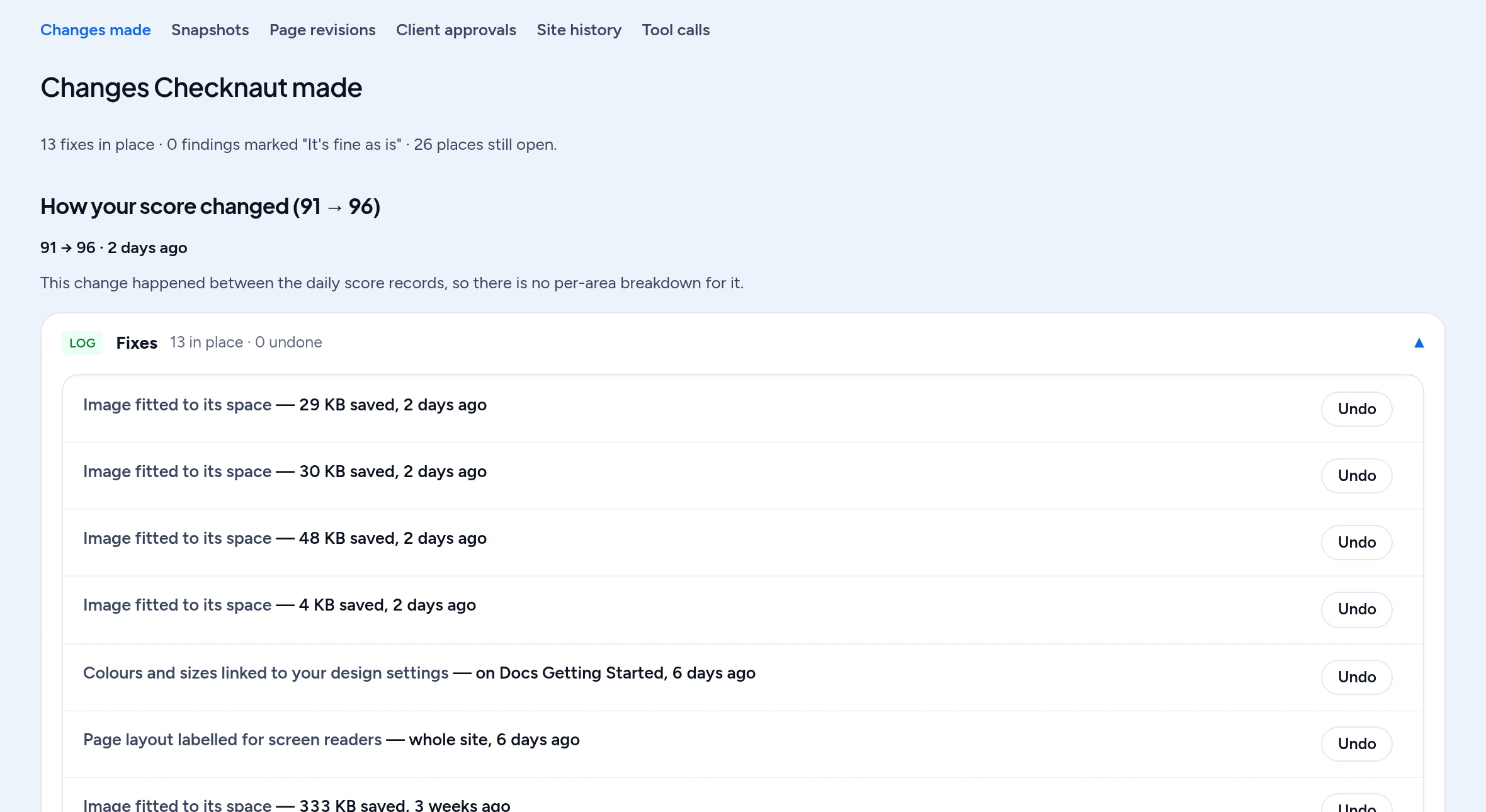
Yes. Applied fixes are listed in Undo history, and you can revert them from there. Keep your own host backups as well, because undo covers Checknaut changes only.
What does Checknaut Pro add to fixing?
Bulk workflows that apply a fix across many pages. Pro shows the proposed changes first, so you can check them before anything is written.
Will Checknaut change my content without asking?
No. A fix runs when you click it, or when an assistant you connected calls it. Bulk changes show a preview before they are applied.
What happens when a fix cannot be applied safely?
It is refused rather than half-done, and nothing on the page is touched. The finding stays open with the reason, so you can make the change in your page builder instead. Typical reasons are a heading whose level comes from a preset, or text written as raw HTML inside a Code module.
Start with your own site
Install the free plugin, run an audit and review the results. Page building, bulk workflows, schedules and branded reports need Checknaut Pro. Pro covers one site; Agency covers up to 10 sites. Both include the Builder Pack and Privacy Pack.